
Vaultair
Password manager
Encrypted, local-first desktop vault for gaming and online accounts, including passwords, MFA codes, identity relationships, and much more. Live on Windows right now.
Non-negotiables
No account, no server, no cloud. The vault lives on your disk, and the app never touches the network. That promise shaped everything, from how I built it to how it installs.
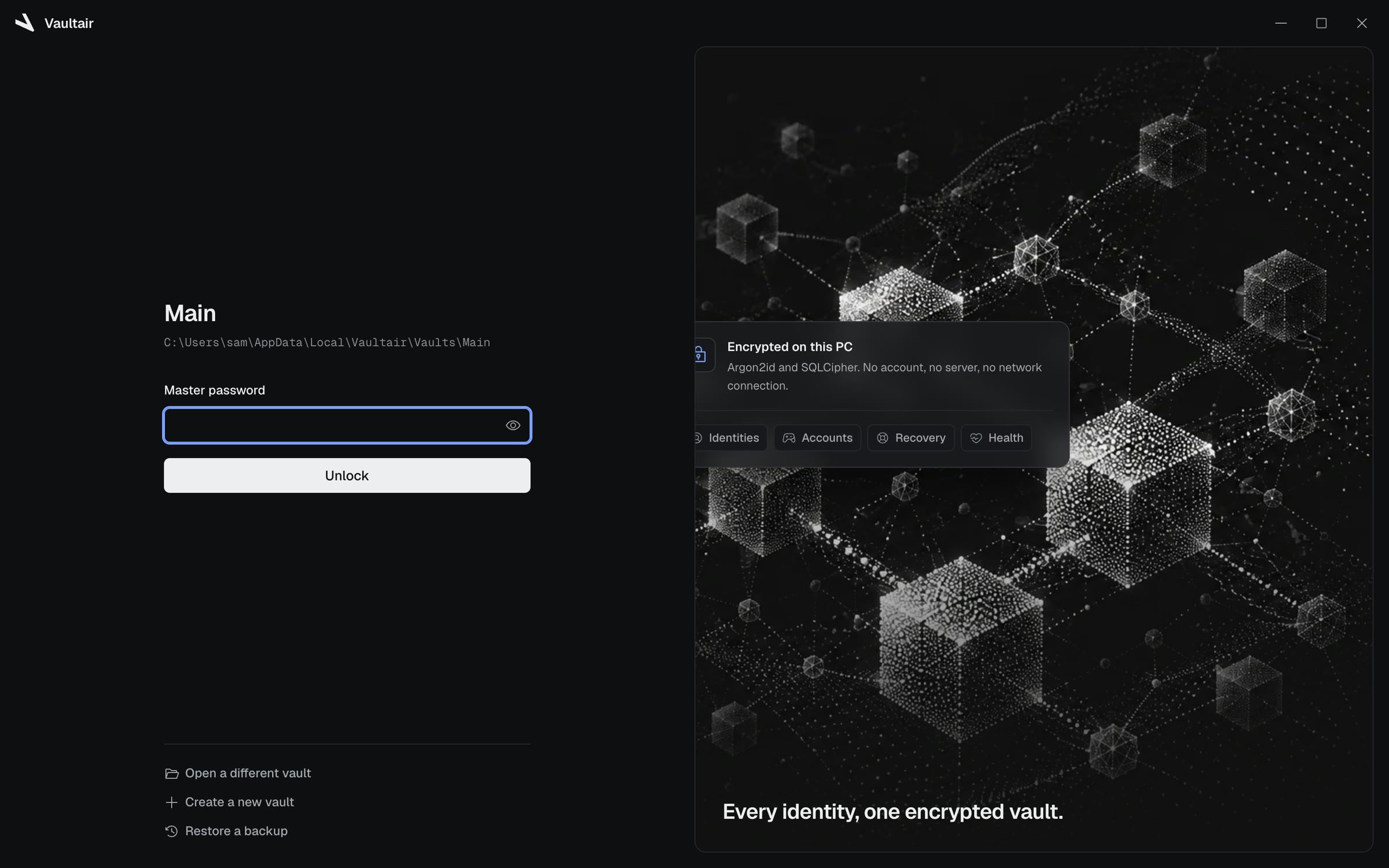
First impressions
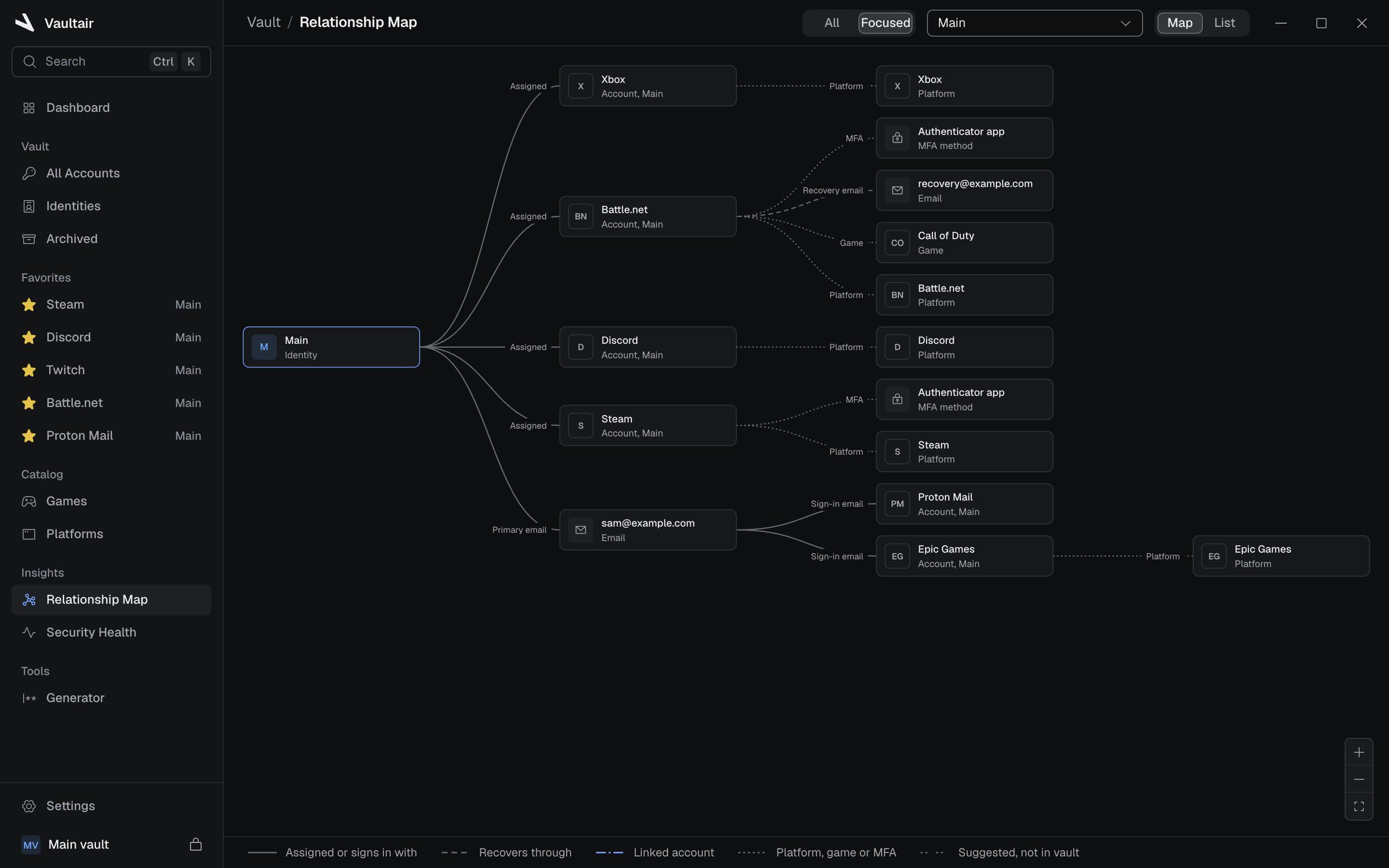
I wanted to stick with a dark-only theme and keep the elements quiet on purpose: charcoal surfaces, hairline borders, and one primary accent. Every color has a meaning, like green for success and security. Status is always an icon plus a label, never just a color, so it's always explainable and understandable. A relationship map lays out your identities as a graph you can walk through with your keyboard, and list view is always an option if your map gets too large.
Behind the glass
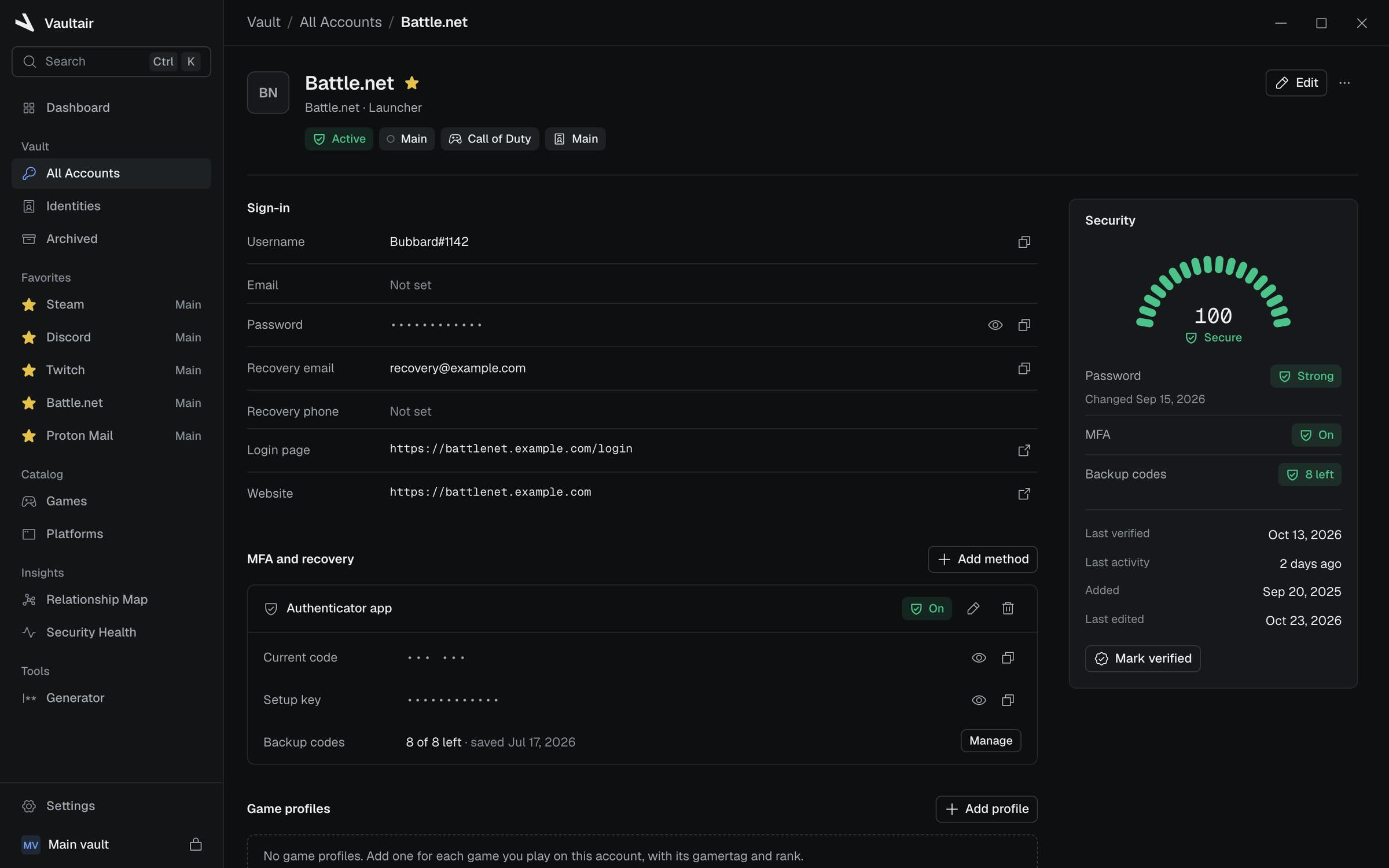
It's built with Tauri and Rust, with a React front end. All the cryptography stays in Rust: Argon2id turns your master password into a key that unlocks your vault, SQLCipher encrypts your database, and passwords and codes get sealed again on their own. Copying a secret never hands it to the UI, and the clipboard clears itself on a timer, so passwords don't stick around.
Growing pains
SQLCipher wouldn't build until I made the decision to switch to Strawberry Perl. Encrypted databases refuse SQLite's backup API, so backups copy the raw bytes, then get read back and verified before they count. Windows Hello had a rocky start: it needed to prove its signatures stay consistent across restarts and crashes before it could be trusted with keys.
To be continued
A private beta has been available on GitHub since early October 2026. It stays in beta until I'm verified with Azure and the app is signed, and after that we'll release our first public version and keep iterating. A few features are planned, like health history, dashboards, passkeys, and the one I'm most excited about: browser fill, so you don't have to copy and paste your username and password every time you sign in. Run it on Windows today!

 Next projectGliide